Installation
PyJEM supports Anaconda or Miniconda environments.
1. Install Miniconda
For users experienced with Python, the recommended way to install PyJEM with Miniconda. Miniconda provides a very compact development environment using python. You can create a virtual environment on Miniconda. therefore, if you can download a recomend virtual environment file from Forum, you can easiest make a recommendate virtual environment.
2. Create vjem
※ Prerequisite: you must be connected to the Internet.
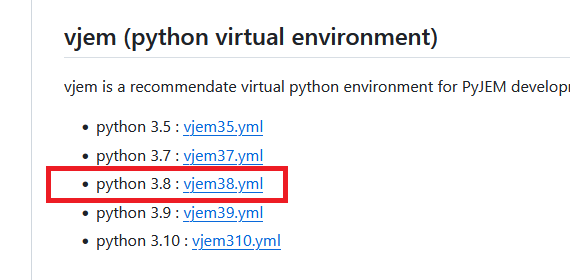
2.1 Open the Forum page. Click the vjem38.yml link.
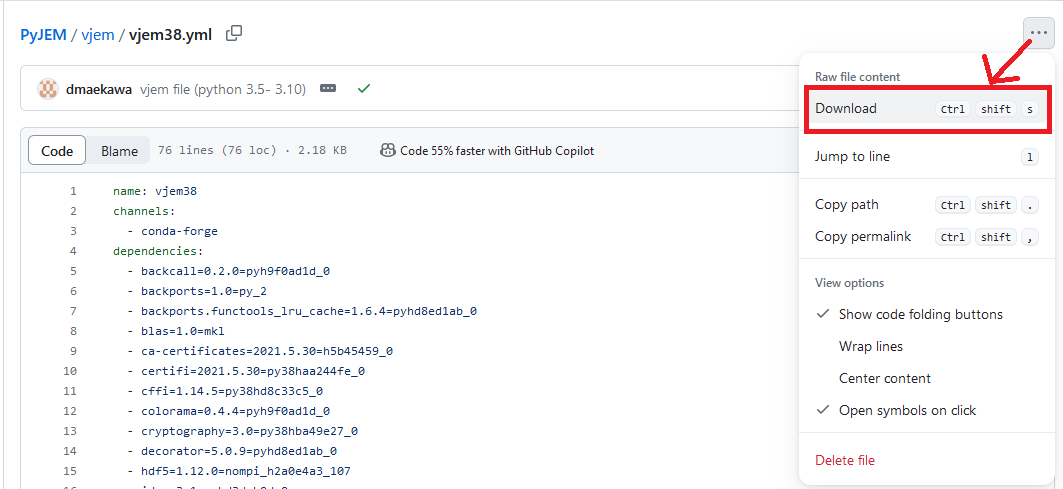
2.2 Download the yml file
2.3 Execute the following on the command line
conda env create -f vjem_yml
※ vjem_yml is yml file’s absolute path that has downloaded.
2.4 Confirm the vjem has been created.
> conda activate vjem38
(vjem38) >
If there is no error in activate, the environment has been successfully built.
3. Install PyJEM
It is installer to upgrade/downgrade the PyJEM library. please download the PyJEM.zip from the Forum.
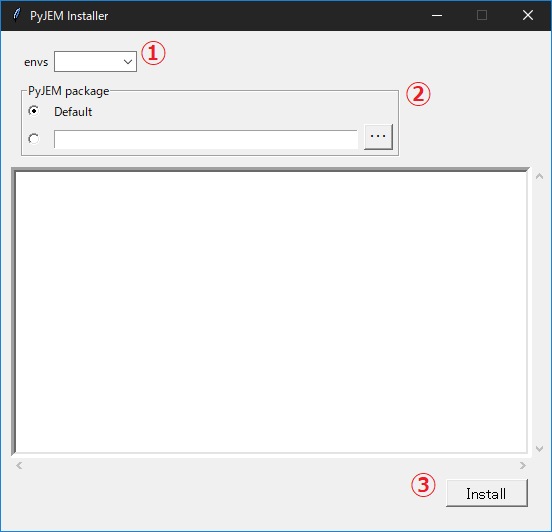
※This installer is included in the equipment package purchased.
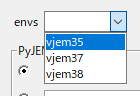
3.1 Select virtual env name
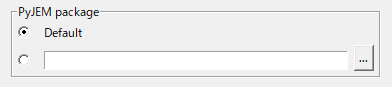
3.2 Select to install the PyJEM.zip
Default : install the PyJEM library configured in the installer.
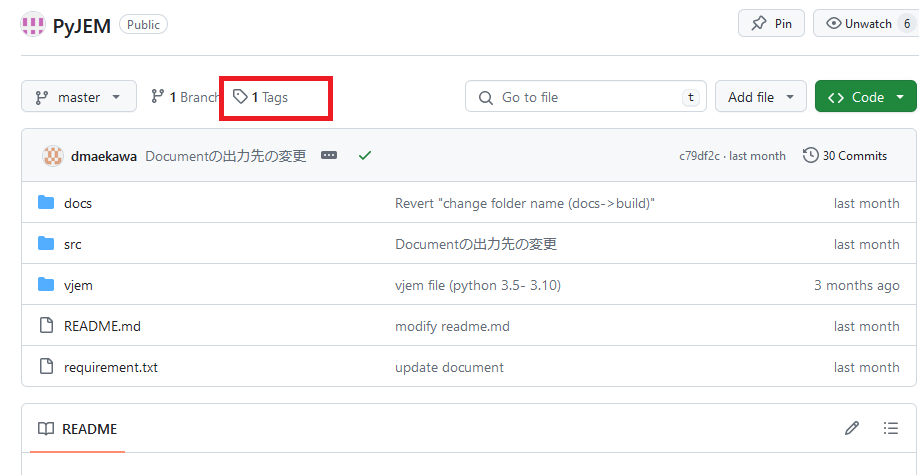
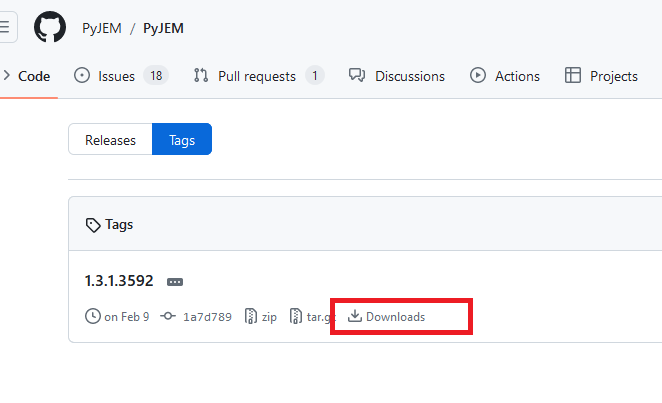
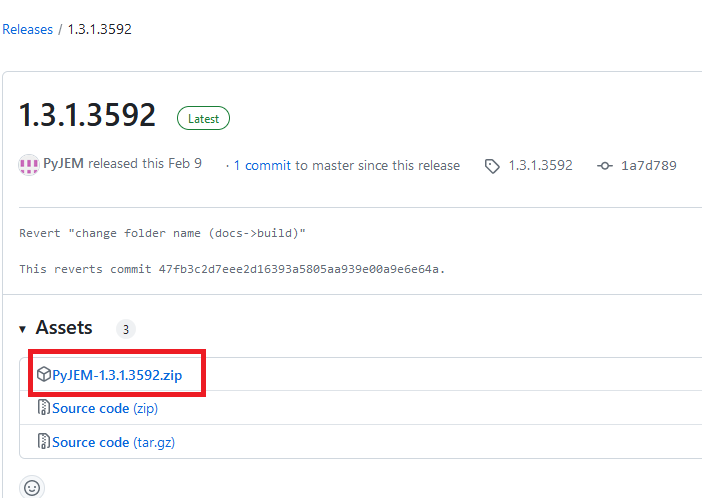
[…] : It is able to install the downloaded PyJEM library. Please refer here for download instructions.
3.3 Click the install button
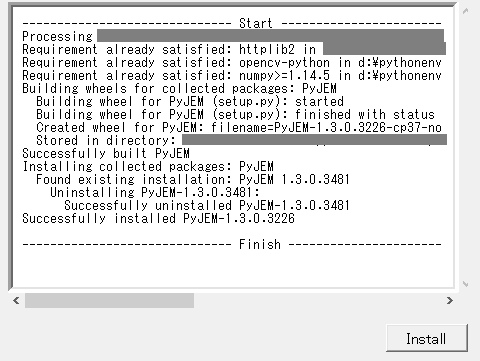
When click the “Install” button, start the install method and output the install process message.